Add an Image and Text Block to Your Website
Published on Sep 30, 2026
What it's for
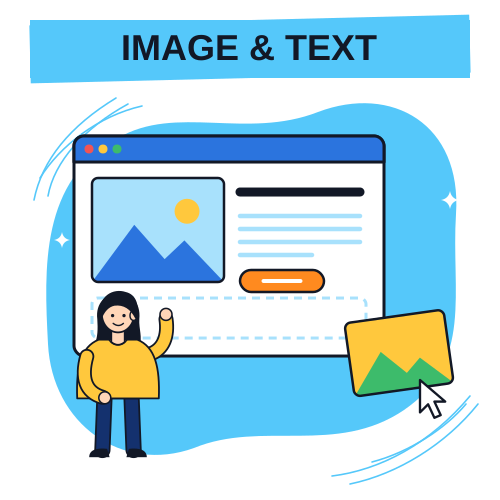
The image + text block is a polished feature section: an image on one side, your text on the other. Perfect for a specialty, a signature product, a current offer or your story.Step by step
- Open your website, then the Advanced options tile.
- Under "Site content", expand the Image + text block card and enable it.
- Add a title (optional) and write your text.
- Upload an image and pick its position: left or right of the text.
- Save: the block appears on your website.
Picking a good image
Go for a sharp, bright, landscape photo. A great image instantly looks professional and high quality.🎃 Create your site for free
Enjoy 3 days of free trial on the monthly plan, or 7 days on the annual plan. Your site goes online right away, nothing is charged during the trial and you can cancel anytime. Perfect to get ready for Halloween and stand out!